
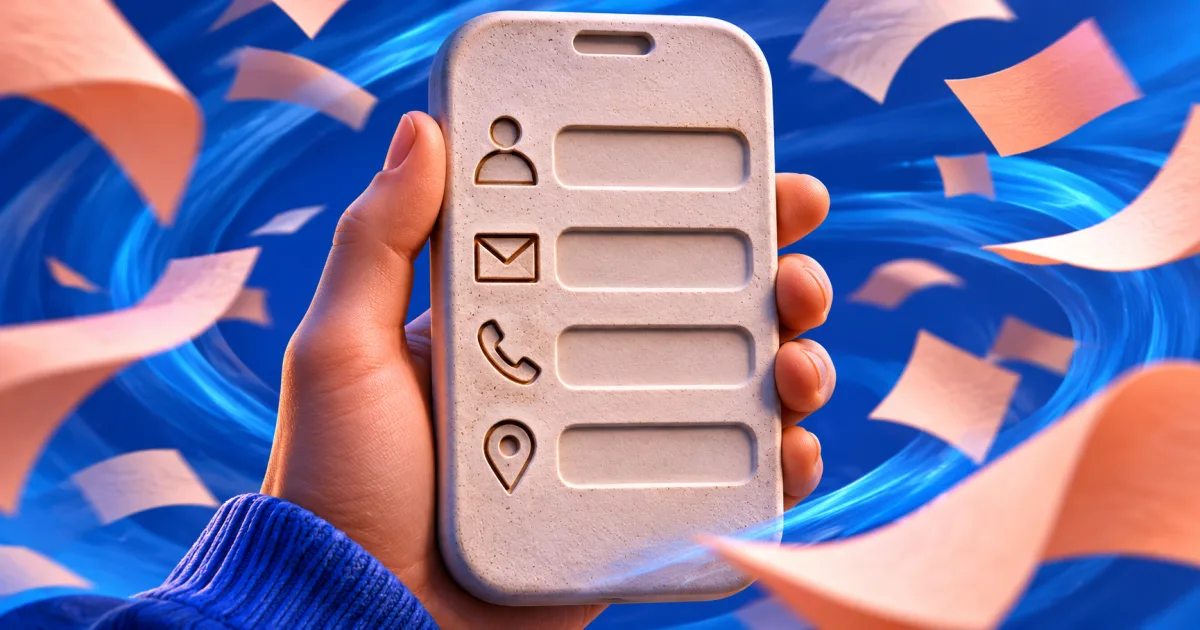
A placeholder is a poor place to keep a form's only instruction. Once someone types, the hint disappears; after a distraction, they may no longer remember what the field expects.
Research context: Visible options help recognition; recalling information without cues requires more memory effort. Recognition and recall — Nielsen Norman Group.
Keep the question beside the answer Imagine a hypothetical catering inquiry completed on a train. The customer starts entering a date, switches apps to check the venue, then returns. A persistent “Event date” label gives context without requiring them to remember the earlier screen.
Use a visible label for every field and keep examples distinct from entered values. If a format matters, show it before an error occurs. Avoid making colour the only indication that something needs attention.
Write recovery copy in advance Create a field inventory with label, purpose, accepted input, example and recovery message. For an uncertain date, decide whether “not confirmed yet” is a valid answer rather than forcing a fictional date.
An error should explain the correction: “Enter a date after today” is more actionable than “Invalid input,” provided that restriction is genuinely necessary. Preserve valid answers when another field fails. Requiring the customer to retype everything compounds a small mistake.
Test interruptions deliberately On a mobile browser, begin the form, switch away, return and rotate the screen if relevant. Check whether labels remain visible, text is retained appropriately and the keyboard does not obscure the active field.
Ask a participant to explain what information is still required. Record confusion and recovery attempts, not just completion. A form can be completed with inaccurate information when people are forced to guess.
Do not add lengthy explanations to every field. Put routine labels close to the control and reserve extra help for genuinely ambiguous requests. If a field requires a paragraph to justify itself, reconsider whether you need it at this stage. The strongest improvement may be removing a question rather than writing a better tooltip.
Tools for this task
Mobile browser; form checklist. Choose the tools that fit the workflow described above; availability and configuration should be checked in your own environment.